
Darshini is an IPTV player I built for Android TV and Amazon Fire Stick. It is designed for the remote first: everything works with the D-pad, focus always lands where you expect, and the screens are built for a TV across the room rather than a phone in your hand.
Source code and releases: github.com/SriharshaShesham/Darshini
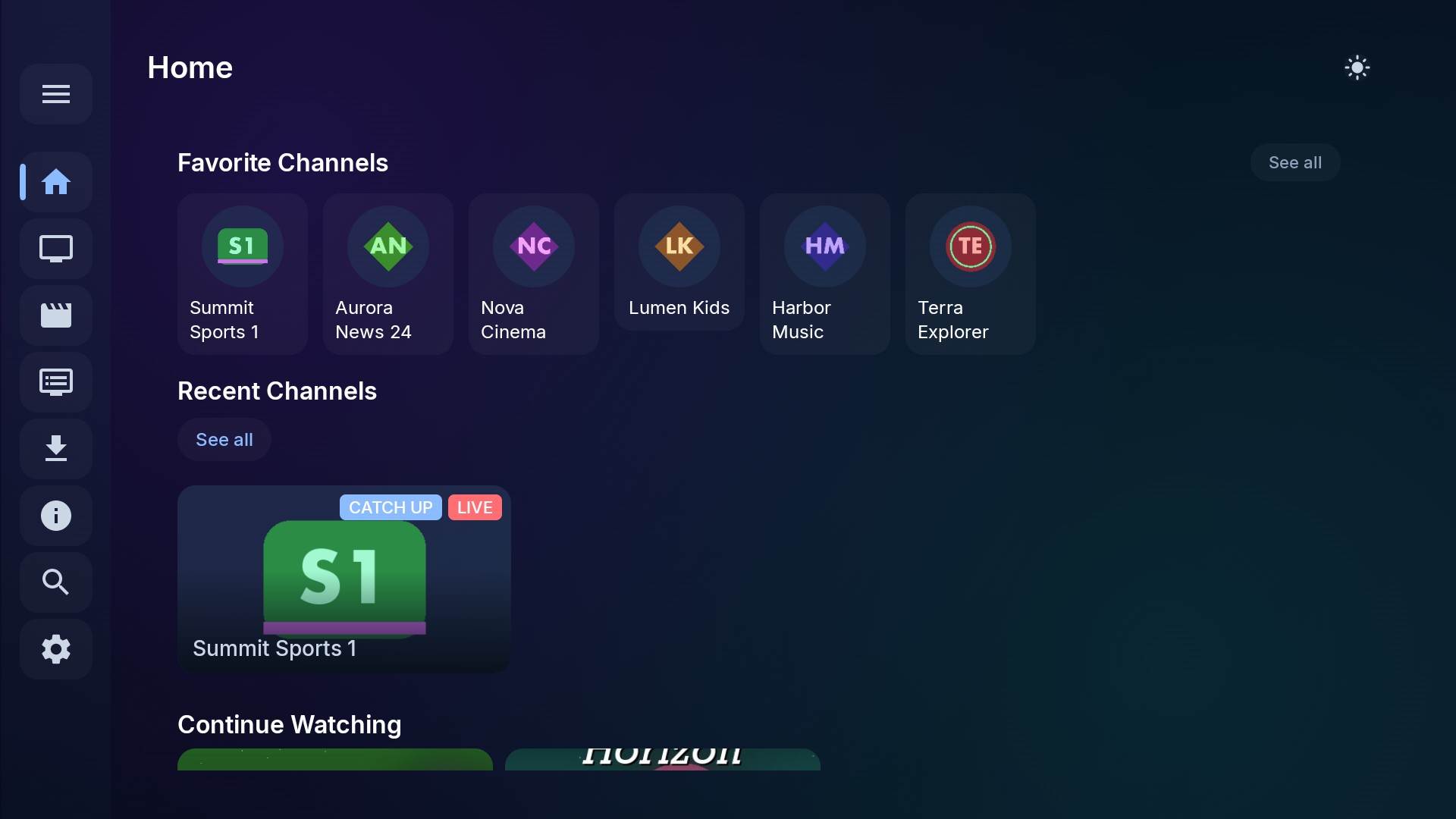
Darshini is based on the excellent open-source StreamVault (Fredolx/fred-tv-mobile), and I am grateful to its developers. Darshini keeps everything StreamVault does and adds the TV-focused changes described below.
Darshini is a player, not a content provider. It comes with no channels. Use only playlists, streams and guides you are authorized to access. The screenshots here use fictional demo data.
Built with
Kotlin, Jetpack Compose, Room, Hilt and Media3, organised into app, data, domain and player modules.
What it supports
- Providers: Xtream Codes, Stalker Portal, Jellyfin and M3U playlists from a URL or a file.
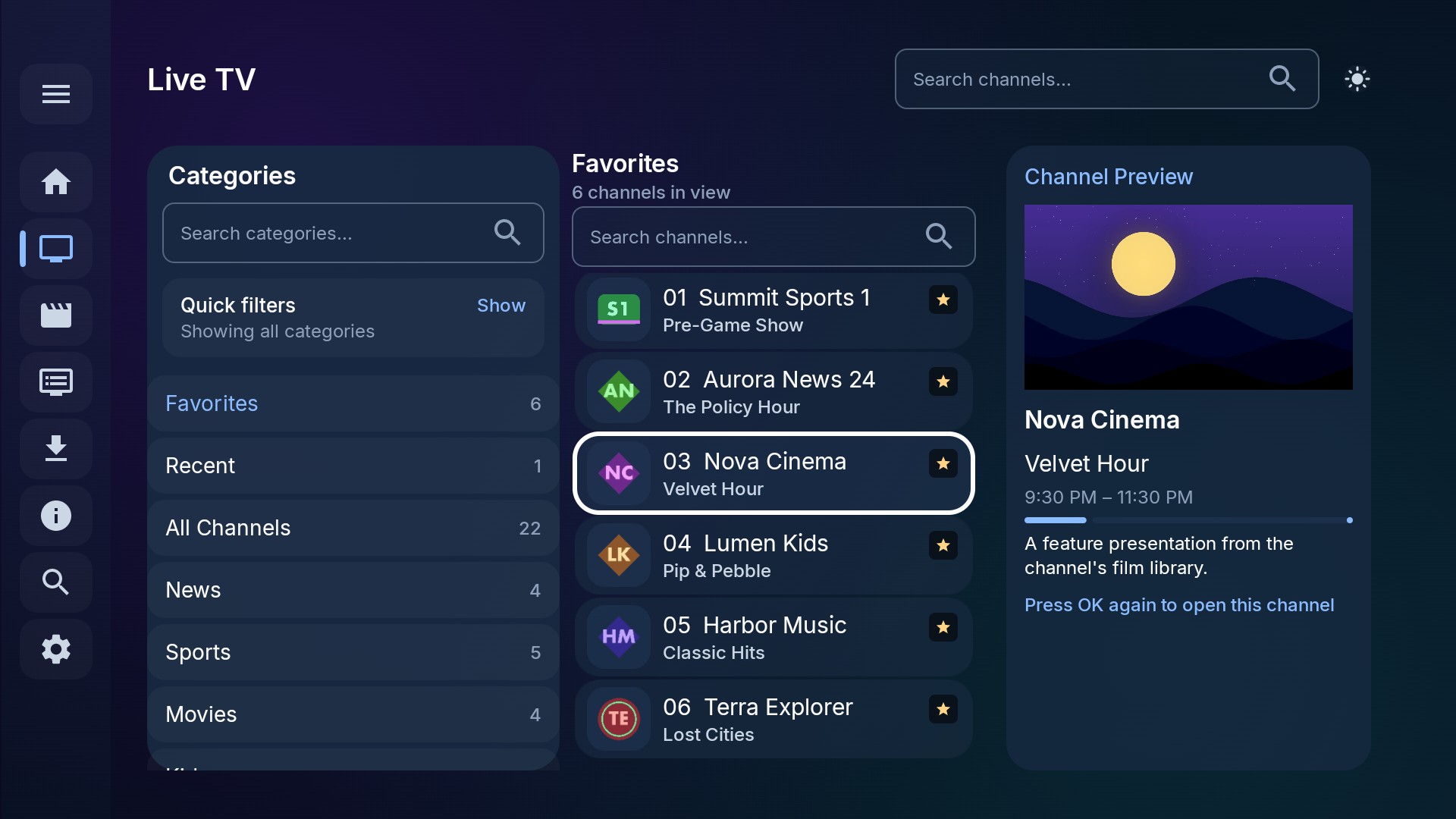
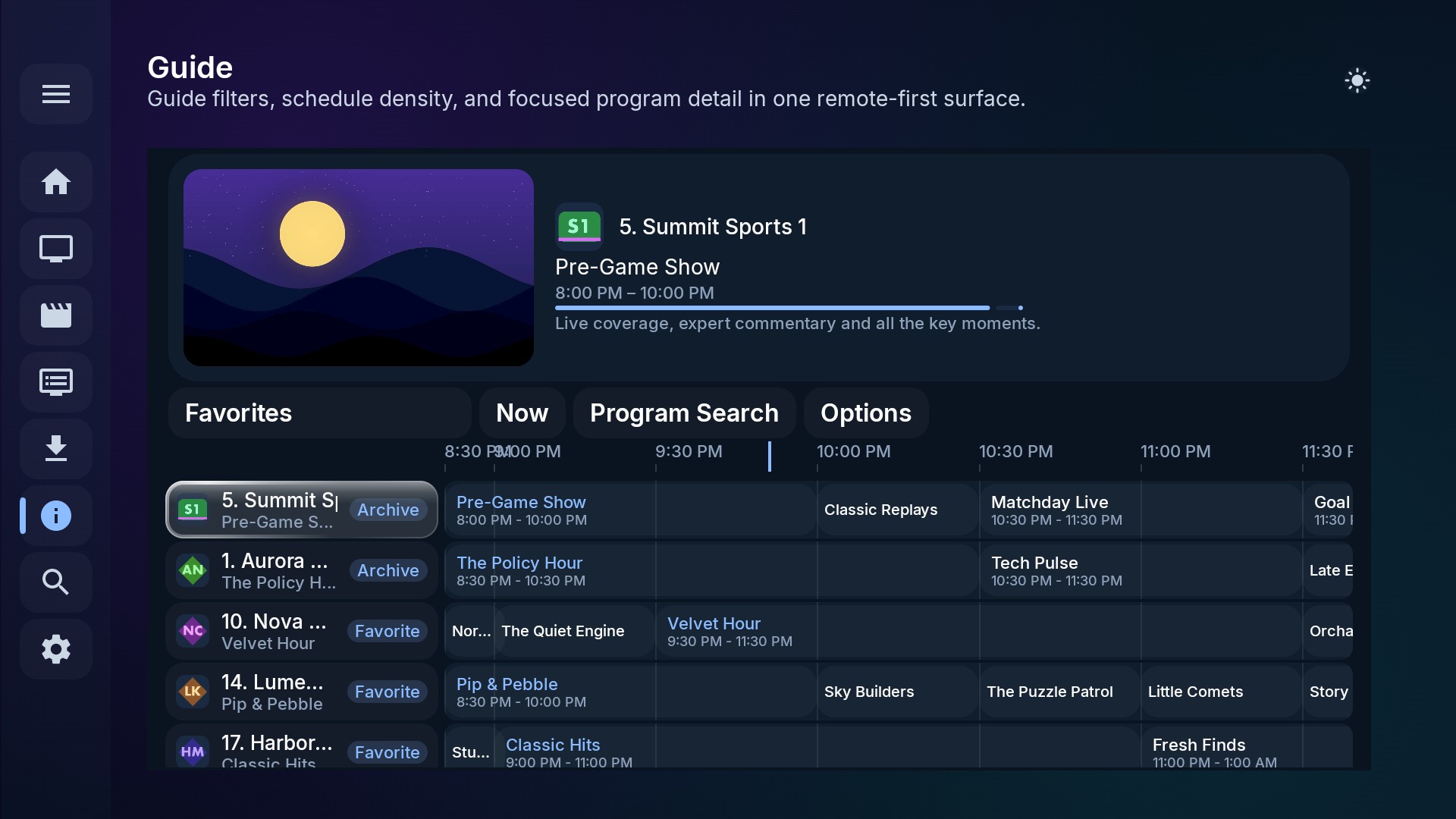
- Live TV: favourites, recently watched, custom groups, a full EPG guide, catch-up where the provider supports it, and up to 30 minutes of live rewind.
- Movies and series: detail pages, Continue Watching, automatic next episode, and episode switching inside the player.
- Recording: scheduled DVR recording and offline downloads.
What Darshini adds
A better TV experience
- A collapsible sidebar that shrinks to icons and expands when it gets focus, or a top bar if you prefer.
- Press Back after opening a movie and focus returns to the exact poster you opened, with your scroll position kept.
- Search that only runs when you press Select, so typing on a remote stays fast.
Faster syncing
- Reorder or hide categories; hidden categories are skipped during sync, which saves time and data.
- Background sync fetches a quick preview of each category so the app is usable soon after setup, and every category has a Sync button to fetch its full catalogue on demand.
Playback and watch history
- A Next Episode button in the player, and hand-off to external players like VLC or MX Player.
- Long-press a title to add it to favourites, or to remove it from Continue Watching. An Unwatch button clears a movie's or a whole series' history.
- Series resume at the last episode you watched.
Look and feel
- Glass (frosted) dark and light themes, plus solid dark, light and system themes.
- Export a provider's settings to a file and restore them on another TV, and back up to Google Drive.
- Since version 1.6, Darshini checks its own GitHub releases at launch and offers updates; version 1.8 installs them directly.
Installing on Fire Stick or Google TV
- Turn on Developer Options: on Fire TV go to Settings → My Fire TV → About; on Google TV go to Settings → System → About. Press Select on the device name (Fire TV) or Android TV OS Build (Google TV) seven times.
- Install the Downloader app and allow it to install unknown apps.
- In Downloader, enter the APK link from the Darshini GitHub page, then choose Install.
- Delete the installer file afterwards to free up space, and move Darshini to the front of your apps.
The README has the full step-by-step guide with every menu path for both devices.
Build it yourself
You'll need Android Studio, the Android SDK and JDK 17:
./gradlew assembleDebug        # debug APK
./gradlew assembleRelease      # release APK
./gradlew testDebugUnitTest    # unit tests
Comments
Post a Comment