
On Windows, you can double-click a photo and press the arrow keys to flip through every picture in that folder. On the Mac, Preview only shows the files you opened, and Photos wants to import everything into a library first. Pixlok brings back the simple way.
What it does
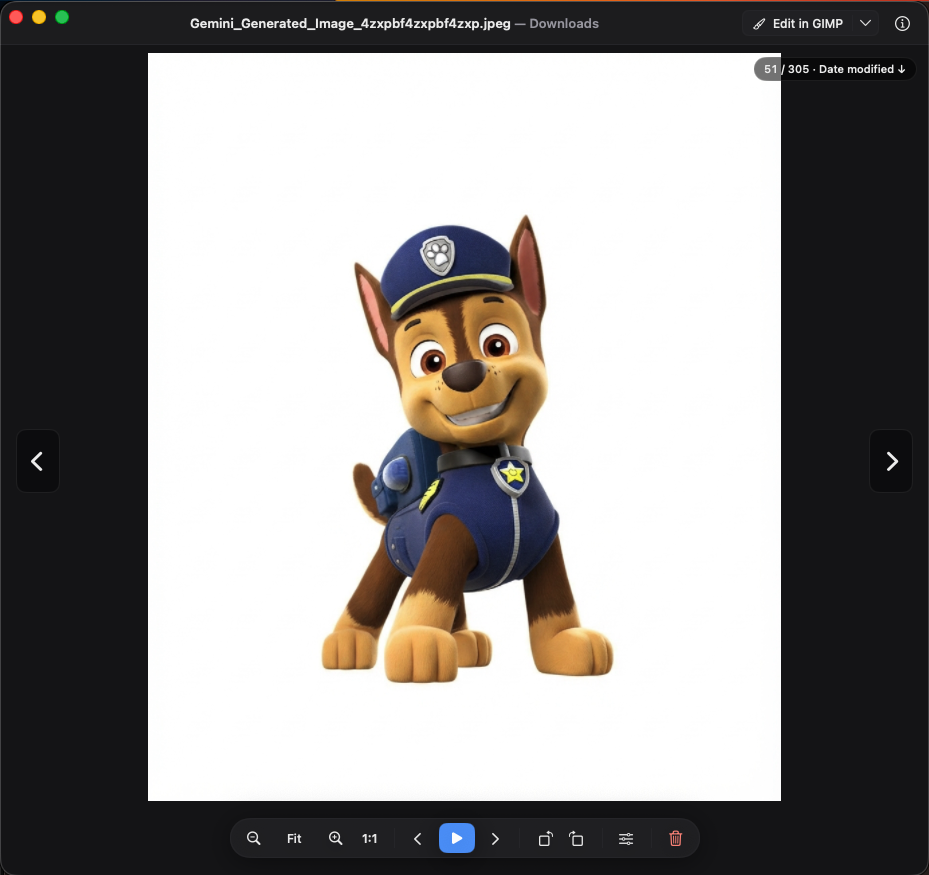
Open a picture and press ← / → to go through every supported file in that folder, newest first. There is no library to import and no catalogue to build: Pixlok just shows the files in the folder you opened. If you've used Windows Photo Viewer, you'll feel right at home.
- Browse: sort by date modified, date created, name, size or type, with optional wrap-around at the end of the folder.
- View: zoom, actual size, fit to window, rotate, slideshow, full screen, and an info panel with camera, date taken and dimensions.
- Tidy up: move a picture to the Trash straight from the viewer.
More than photos
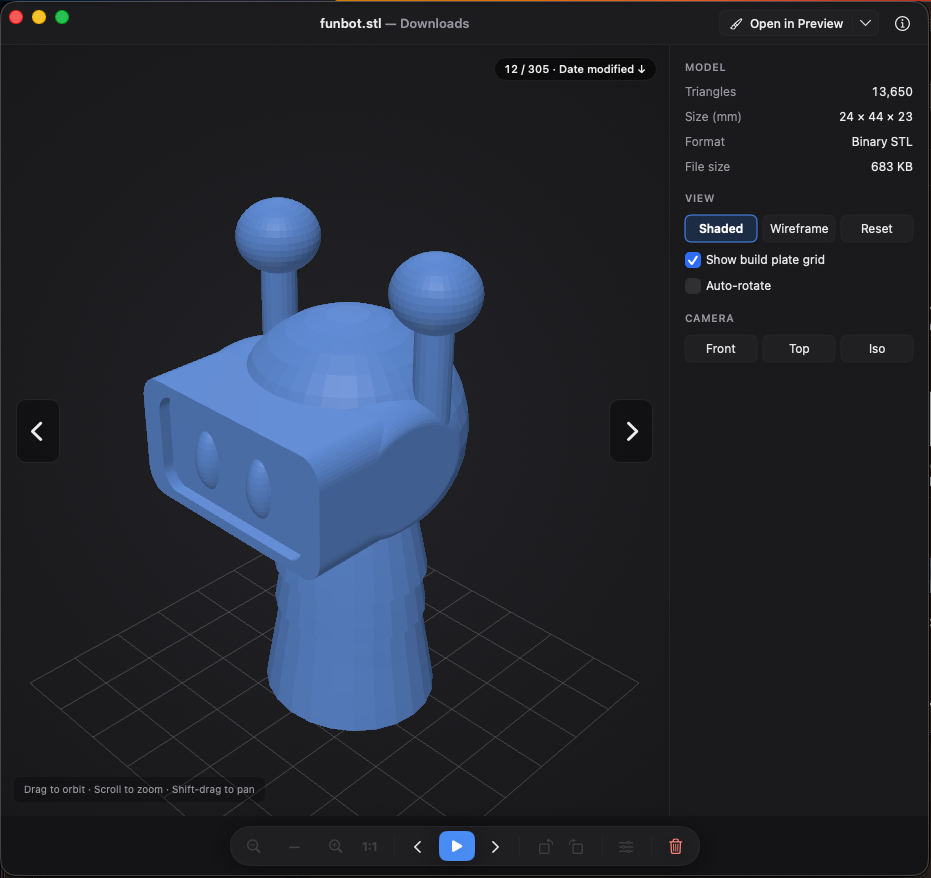
Pixlok also opens SVG graphics, STL 3D models (drag to orbit, scroll to zoom, Shift-drag to pan) and videos (MP4, MOV and M4V) inline, so you can flip through a folder of mixed files without switching apps.
Quick, non-destructive edits
- Light and colour: exposure, brightness, contrast, highlights, shadows, saturation, vibrance, warmth and tint.
- Crop and rotate: free or fixed aspect ratios, flip and straighten.
- Hold
\to compare with the unedited picture. - On the first save, the original is kept in an
original/folder next to the picture, and Revert to Original brings it back at any time. - When you need more, ⌘E opens the picture in your favourite editor, such as GIMP, Photoshop, Pixelmator or Affinity.
Formats
JPEG, PNG, HEIC, GIF, WebP, TIFF, BMP, AVIF, JPEG XL, PSD and ICO; RAW files from most cameras (DNG, CR2, CR3, NEF, ARW, ORF, RW2, RAF and more); SVG; STL; and MP4, MOV and M4V video. Decoding is done by macOS, so support for some formats depends on your macOS version.
How it's built
Pixlok is written in Swift with AppKit and SwiftUI and uses only Apple's own frameworks: ImageIO and Core Image for pictures, WebKit for SVG, ModelIO and SceneKit for 3D, and AVKit for video. It has no third-party dependencies, and it builds with the Xcode Command Line Tools alone; no Xcode project is needed:
./build.sh            # debug build
./build.sh run        # build and open
./build.sh release    # universal build for Apple silicon and Intel
Install
Pixlok needs macOS 14 Sonoma or later. The easiest way to install it is with Homebrew:
brew install --cask SriharshaShesham/tap/pixlokYou can also download the zip from the Releases page and drag Pixlok to Applications. Pixlok isn't notarized by Apple, so the first time you open a downloaded copy, go to System Settings → Privacy & Security and click Open Anyway. Homebrew handles this for you.
To use Pixlok every time you double-click a picture, click Make default viewer in its Settings.
brew update && brew upgrade --cask SriharshaShesham/tap/pixlok once to switch over; your settings carry across.Keyboard shortcuts worth knowing
| Action | Shortcut |
|---|---|
| Previous / next file | ← / → |
| Zoom in / out | ⌘+ / ⌘− |
| Fit / actual size | ⌘9 / ⌘0 |
| Slideshow | F5 |
| Show info | ⌘I |
| Start editing | E |
| Edit in external editor | ⌘E |
| Move to Trash | Delete |
Pixlok is free and open source under the MIT license.

Comments
Post a Comment